Characters
Oti

admin
Publisher
- Blender 2.80
- License: CC-BY
- 30 Jul 2019
For Blender 2.8x Cycles Render
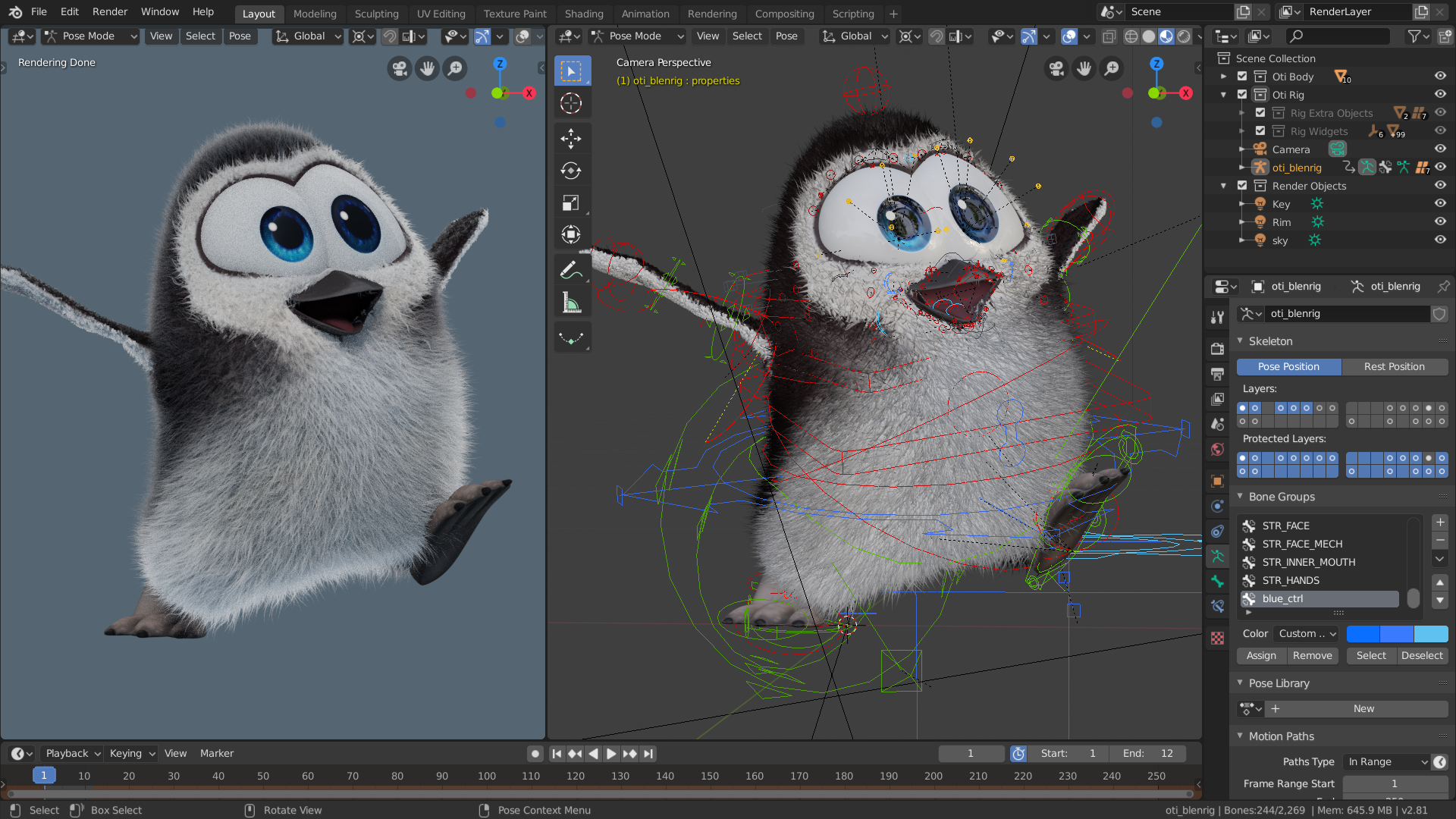
The cute penguin from "Caminandes: Llamigos"
Notes on how to use the character
- Put your 3D cursor in the Origin of your scene. Choose File > Link and browse the character file
- Go to the Collections and select CH-Oti. Make sure "Instance Collections" is enabled. Press Enter.
- The Collection should appear instanced in the Viewport. Select it.
- Choose Object > Relations > Make Proxy...
- In the list, select RIG-Oti. If the model is too heavy, enable Simplify in the Render Settings.
- Pose the proxy armature to your liking and enjoy!
Join to leave a comment.