Blender Studio
  • Films
  • Projects
  • Training
  • Assets
  • Blog
  • Community
  • Join
  • BLENDER.ORG

    • Download

      Get the latest Blender, older versions, or experimental builds.

    • What's New

      Stay up-to-date with the new features in the latest Blender releases.

    LEARNING & RESOURCES

    • Blender Studio

      Access production assets and knowledge from the open movies.

    • Manual

      Documentation on the usage and features in Blender.

    DEVELOPMENT

    • Developers Blog

      Latest development updates, by Blender developers.

    • Documentation

      Guidelines, release notes and development docs.

    • Benchmark

      A platform to collect and share results of the Blender Benchmark.

    • Blender Conference

      The yearly event that brings the community together.

    DONATE

    • Development Fund

      Support core development with a monthly contribution.

    • One-time Donations

      Perform a single donation with more payment options available.

Training Highlights
Facial Rigging
Blender Fundamentals 4.5 LTS
3D Printing with Blender
Video Log #6: Promo video

Training types
Course Documentation Production Lesson Worskhop

Training categories
Animation Geometry Nodes Lighting Rendering Rigging Shading
Film Highlights
Singularity
2025
Wing It!
2023
Spring
2019
Hero
2018
Project Highlights
Impulse Purchase
Showcase
Project Storm
Showcase
DogWalk
Showcase
Project Gold
Showcase
Assets Highlights
Characters
Models & rigs
Assets
All production files
Libraries
Curated sets
Course
Blender VFX Workflow pt. 2
Track
  1. 01

    Quickstart

    Free
02 Tracking Basics
  1. 01

    The Task Ahead

  2. 02

    Tracking a Sequence

  3. 03

    Focal Length

03 Tracking Techniques
  1. 01

    Feature Detection

  2. 02

    Lens Distortion

  3. 03

    Tracking Settings

  4. 04

    Extra Settings

  5. 05

    Solving Difficult Shots

  6. 06

    Using Proxies

  7. 07

    Solving a Tripod Shot

Match
01 Compositing Basics
  1. 01

    Set Up the Tracking Scene

Extras
  1. 01

    Tracking Teaser

Assets
  1. Camera Tracking Assets

Login to view this content

Join Blender Studio for just ¥90/month and get instant access to all of our training and film assets!

Login Join Blender Studio

Blender VFX Workflow pt. 2

03 Tracking Techniques

Report Problem

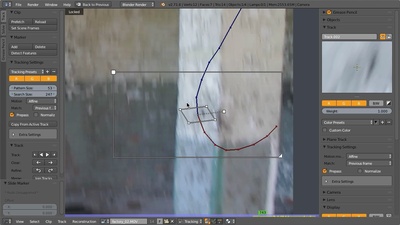
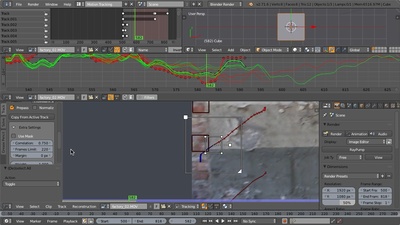
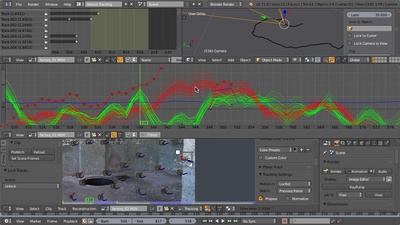
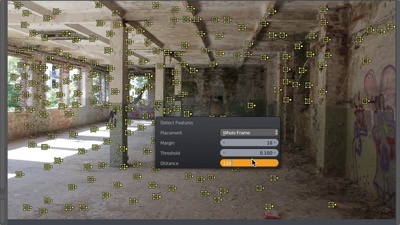
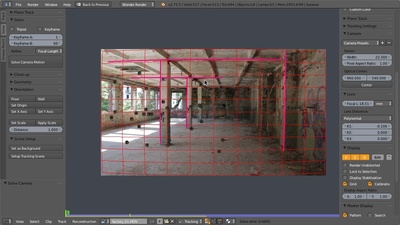
In this part of the course we will take a closer look at various tracking techniques. From automatic feature detection to affine tracking, from marker cleanup to tracking blurry footage, plus solving camera shake as well as tripod shots — after this part of the course you should be able to track almost anything!
Feature Detection
27:47

Feature Detection

Lens Distortion
11:14

Lens Distortion

Tracking Settings
28:26

Tracking Settings

Extra Settings
27:22

Extra Settings

Solving Difficult Shots
15:41

Solving Difficult Shots

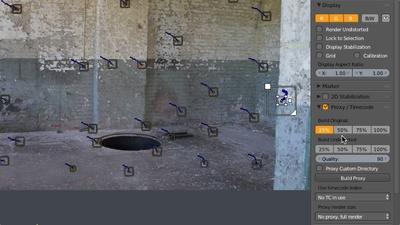
Using Proxies
7:16

Using Proxies

Solving a Tripod Shot
9:49

Solving a Tripod Shot

Films Projects Training Blog
Characters
  • Storm
  • Mikassa
  • Whale
  • Ballan Wrasse
Studio
  • Terms & Conditions
  • Privacy Policy
  • Contact
  • Remixing Music
  • blender.org
Blender Studio

The creators who share.

Artistic freedom starts with Blender powered by CG Global Entertainment Ltd.
粤ICP备2024327355号-3