Login to view this content
Join Blender Studio for just ¥90/month and get instant access to all of our training and film assets!
03. Modeling the Barrel
Start Modeling

Krystal
Author
Steps:
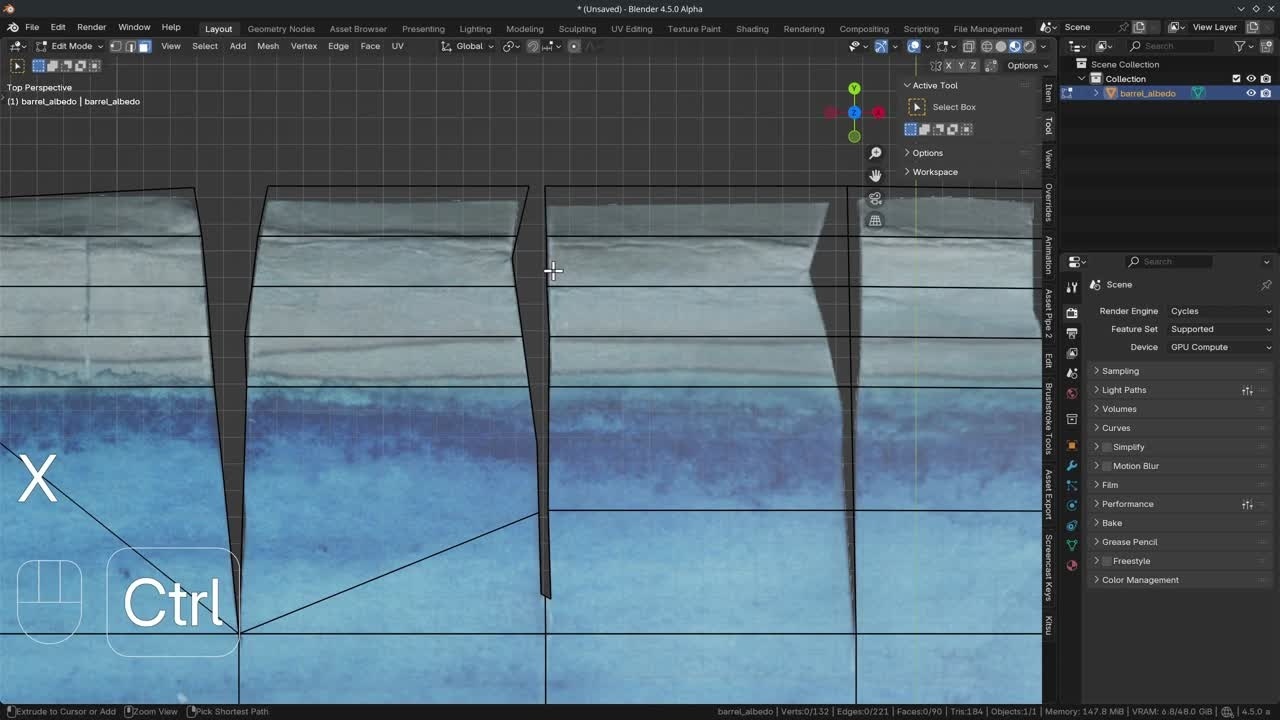
- Open Blender (I used Blender 4.5) and press Shift + A > Image > Mesh Plane and open the barrel_albedo.
- Go into Edit Mode and select an edge, then quickly tap G + G to "slide" the edge. Align it with the texture.
- Start adding edge loops by using Ctrl + R and sliding and aligning them with the texture.
- Let's cut out the gaps between the paper segments, you can either use the Knife tool (K) or beveling the edge to (Ctrl + B) and sliding them in place. While sliding, you can press C once, and it will slide along the normals (indicated by a yellow line). And press X to delete the selection.
- Save the file. In my case it is in
assets/lib/barrel.blend.
Join to leave a comment.