Login to view this content
Join Blender Studio for just ¥90/month and get instant access to all of our training and film assets!
Facial Rigging
5. Brows
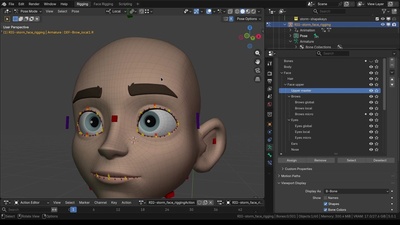
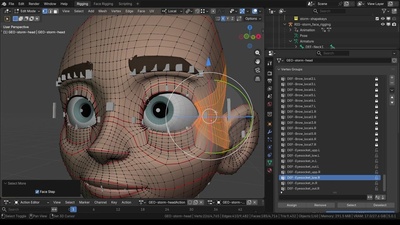
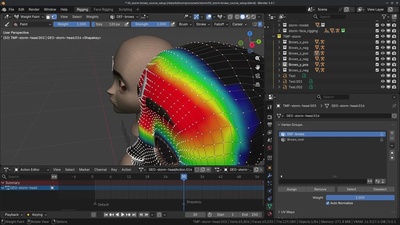
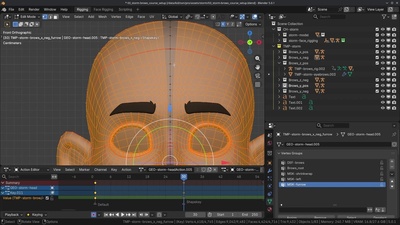
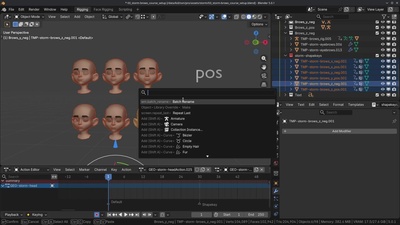
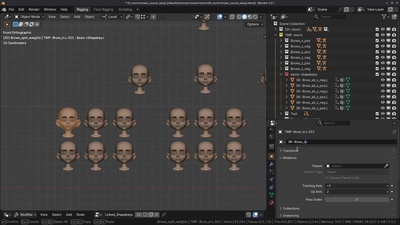
In this chapter we'll be creating the deformation setup for the brows. We'll be using a conventional method that has been widely used in the industry and has been proven to be predictable and allows for designed deformations that can easily manipulated by the animator. We'll start with the main shape keys for each direction of the brows, followed up by splitting these initial shapes into smaller portions using the 3 curve principle.
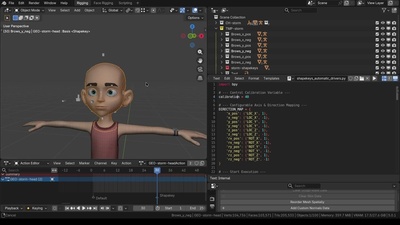
For this chapter we are gonna use an additional python script that automatically assigns the created shape keys to the correct bone and axis. You can download it here:

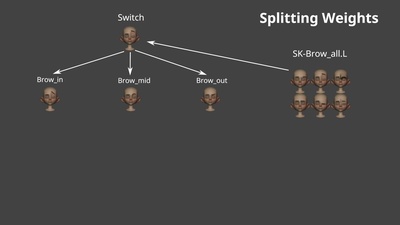
For Splitting the weights, we're using a geometry nodes setup to emulate 'linked shapekeys'. You can simply append this setup by going to the top left menu:
File > append > open 'GN-linked_shapekeys.blend' > NodeTree > linked_shapekeys
Download the Geometry Nodes setup here: