Login to view this content
Join Blender Studio for just ¥90/month and get instant access to all of our training and film assets!
Facial Rigging
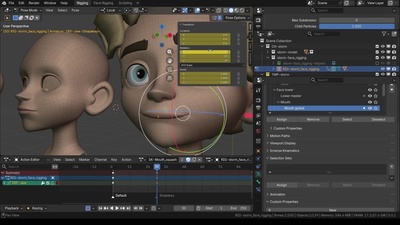
8. Mouthcorner shape keys
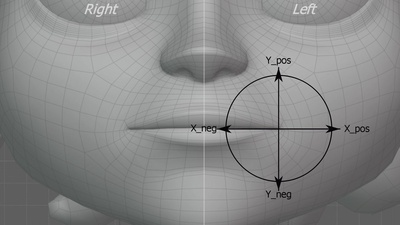
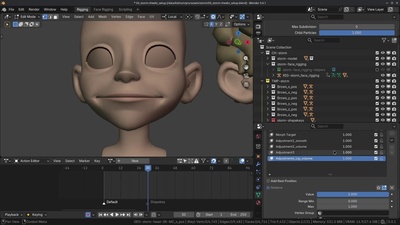
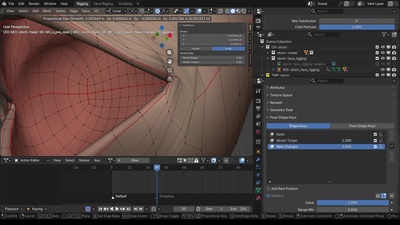
In this chapter, we continue working on the mouth corners. The weighting of the lips provides a limited range of motion and will quickly break when the controls are pushed. Therefore, we need corrective shape keys to accommodate designed deformations that emulate the flexibility of the skin. This allows us to create a wider range of movement for the mouth corners, enabling the animator to pose the mouth freely and creatively while maintaining clean deformations. We’ll be using the Pose Shape Keys add-on, which can be downloaded for free from Blender’s Extensions platform.