File Recovery

- Free
This brief section shows various ways to recover lost data in case of a crashes or other unfortunate circumstances.
Recover & Store Data
Before diving into Blender and creating your art, we need to make sure how to recover our files. Here are different ways to prevent data loss when working in and with Blender:
- Using Recover Last Session.
- Using Auto Saves.
- Using a personal server/machine with data recovery enabled.
- Using a Cloud service to add an extra layer of safety.
- Using an SVN repository (which is a server).
Recover Last Session
Will restore the last session (without that file being saved) you opened and might be able to recover your data.
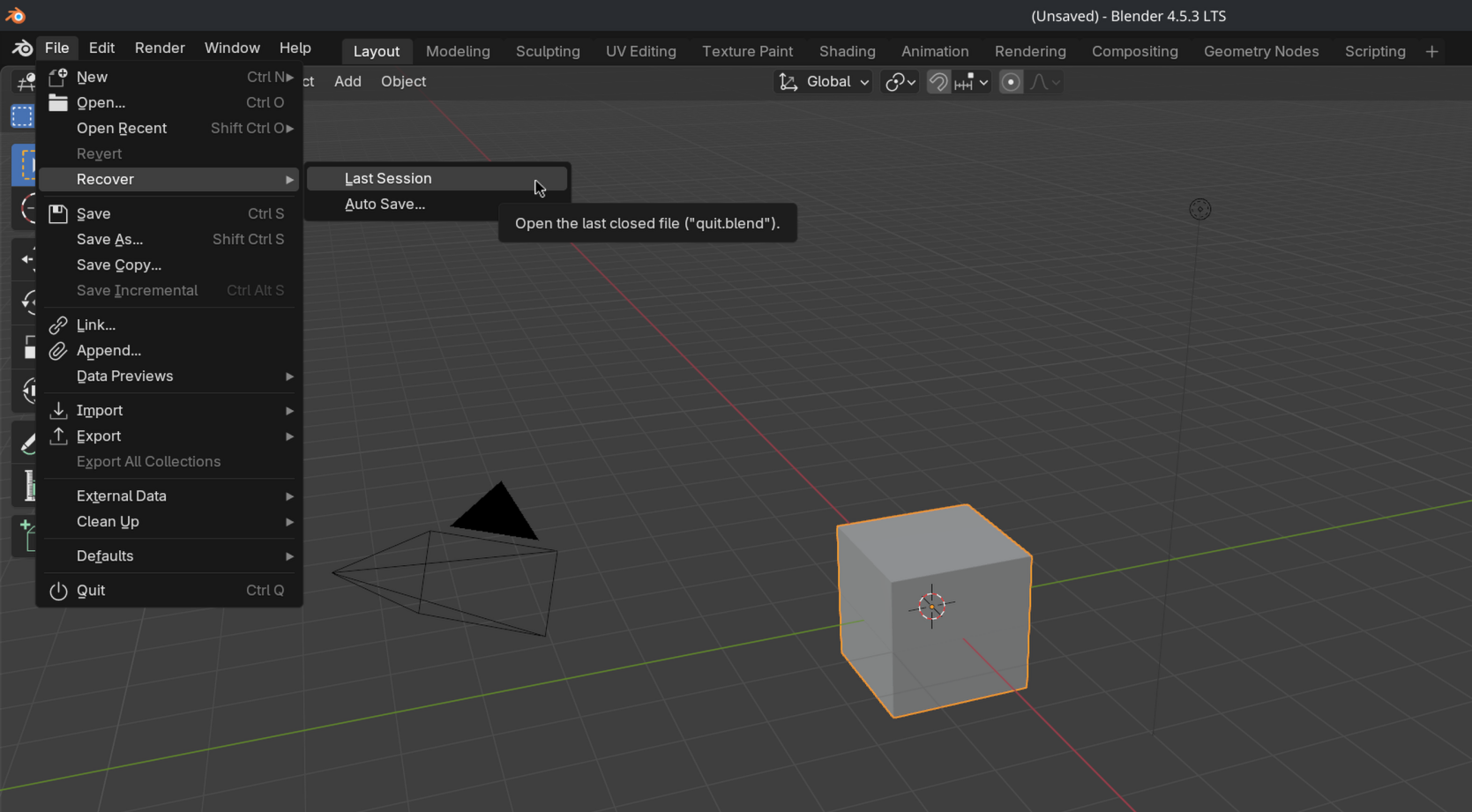
This can be accessed by going to File > Recover > Last Session.
Auto Save
By default, Blender will save your file every two minutes temporarily. This method of file recovery can be quite successful.
Tip
You can change the saving interval by going to Preferences > Save & Load > Blend Files.
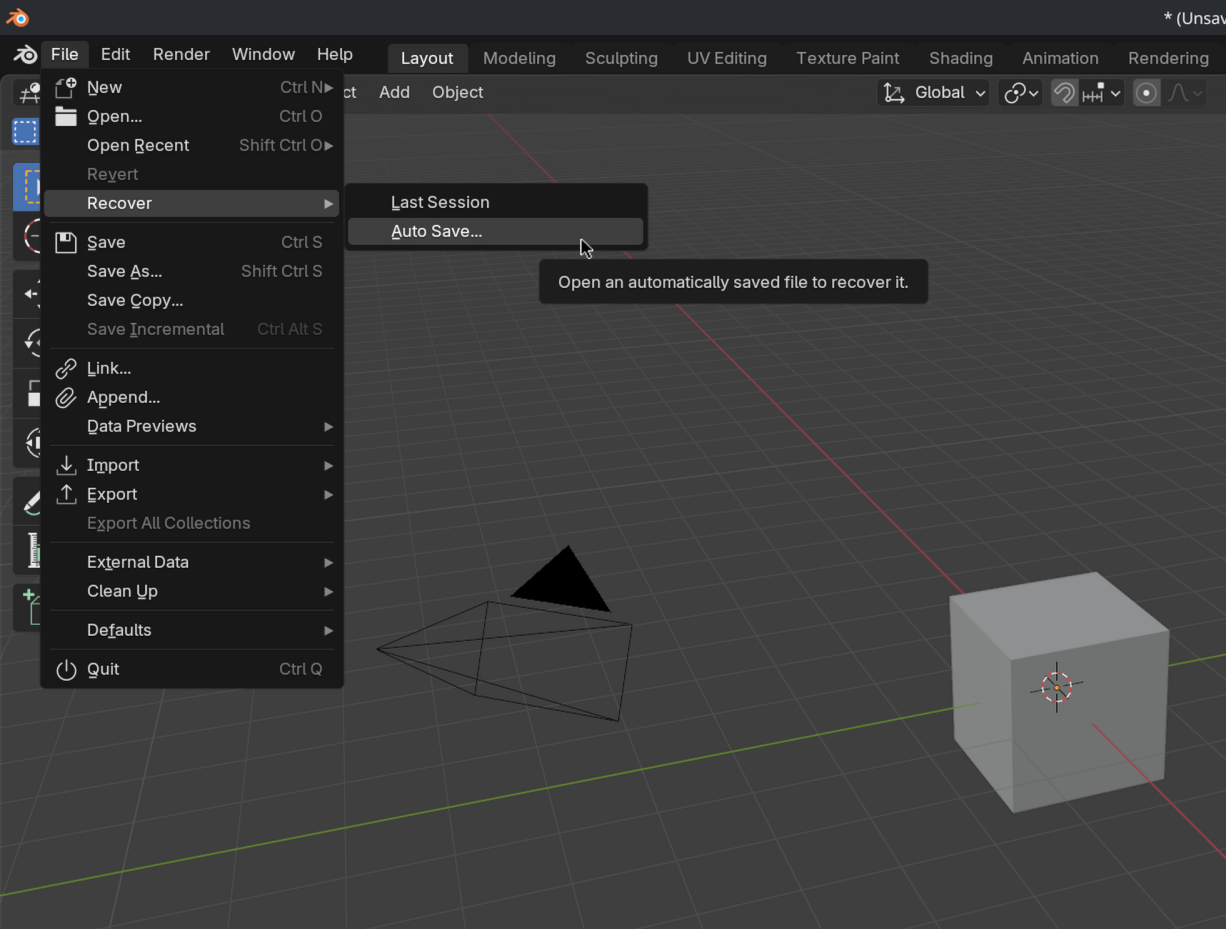
You can access this, by going to File > Recover > Auto Save.... This will direct you to the /tmp/ directory, where you will see a list of different saved files using "_autosave.blend" suffix.
Warning
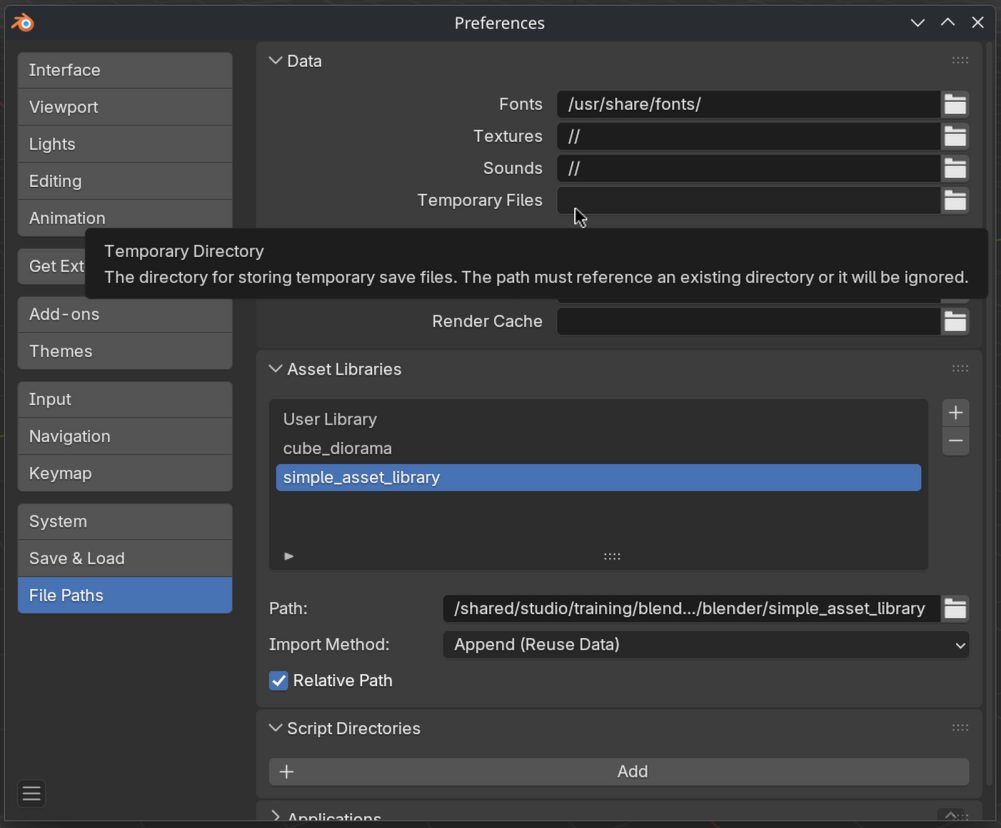
Files stored in the /tmp/ (temporary location on most operating systems) might be cleared after restarting the computer. Alternatively, you can set a specific output directory by going to Preferences > File Paths > Temporary Files. This will guarantee that the files aren't deleted after restarting the computer.
That was the end of the lesson. We have learned:
- That Blender uses Recover Last Session and Auto Saves to recover data.
- Using your own server or a cloud service adds an extra layer of safety.
Join to leave a comment.